Legacy Minecraft Ban Database
A global bans list designed for the Minecraft legacy community.
Note to administrators: To attach evidence, delete evidence, and modify bans you must sign in utilizing the login button in the top right corner.
Ban Information
Evidence Submitted
| ID | Type | Admin | Date | Information |
|---|---|---|---|---|
| 692b3e | Text | sshshark | 19 Feb 2024, 22:59 UTC | Evaded ban ID: 119caE |
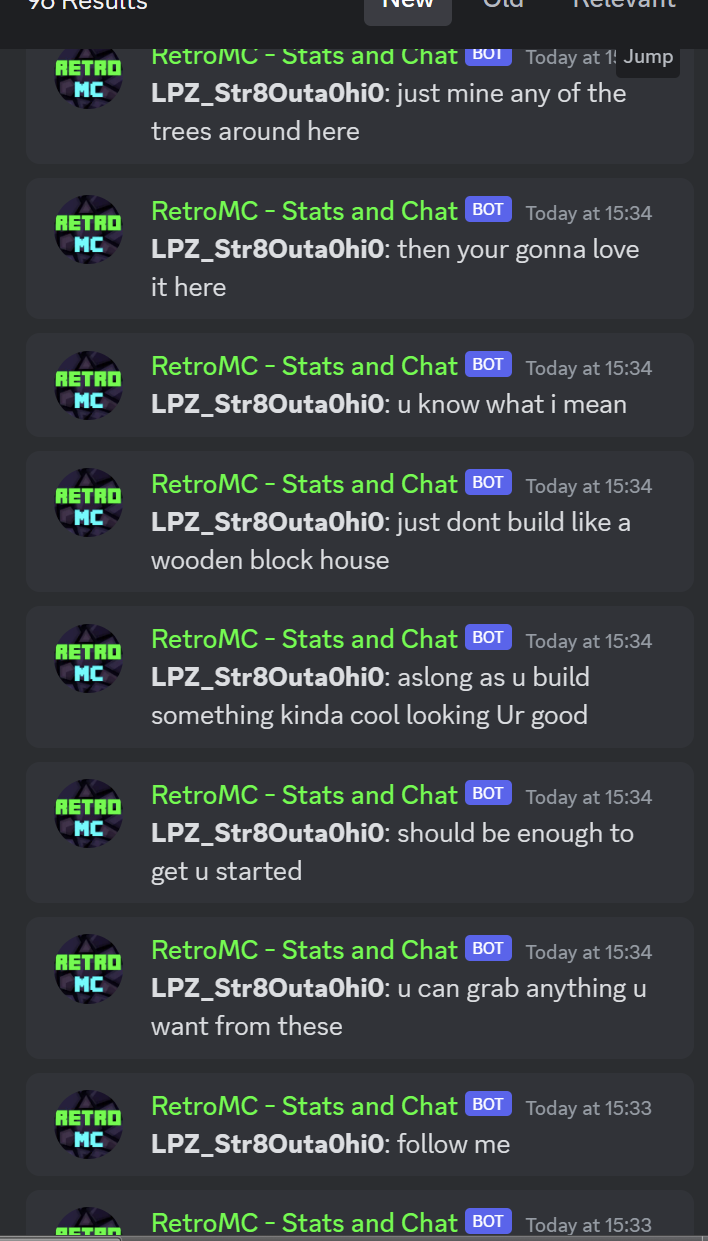
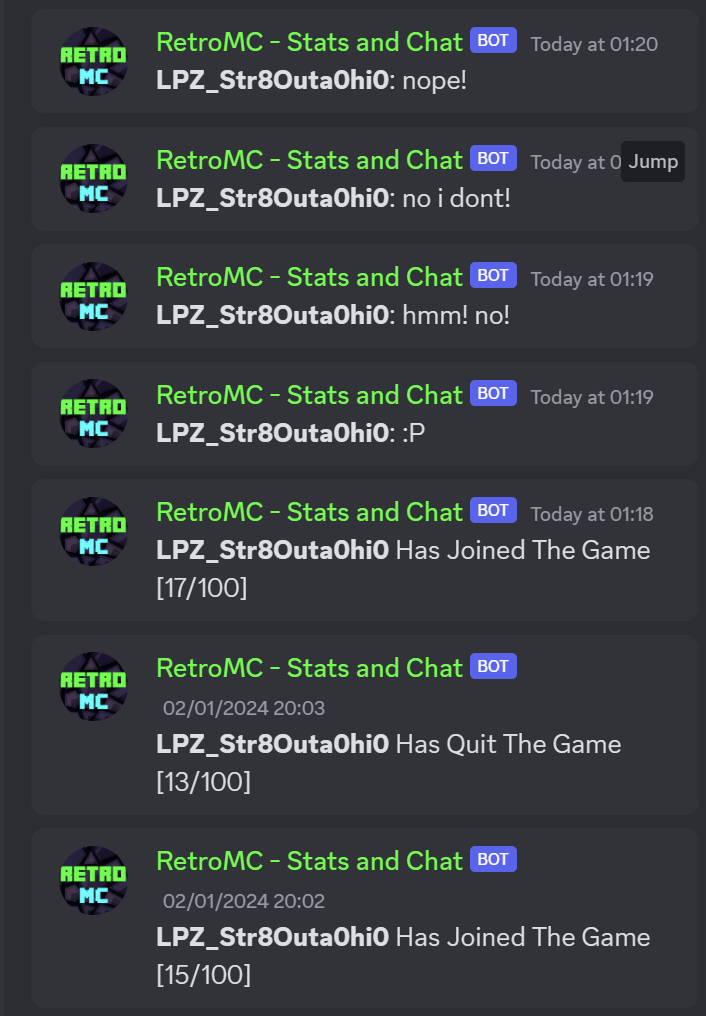
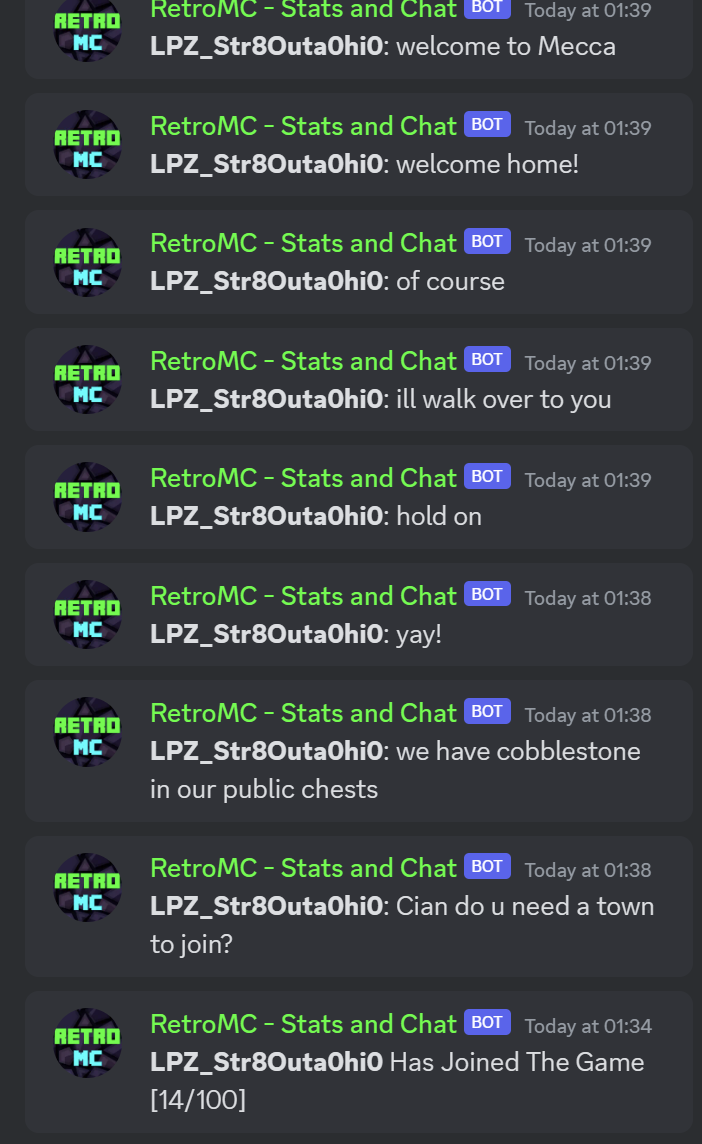
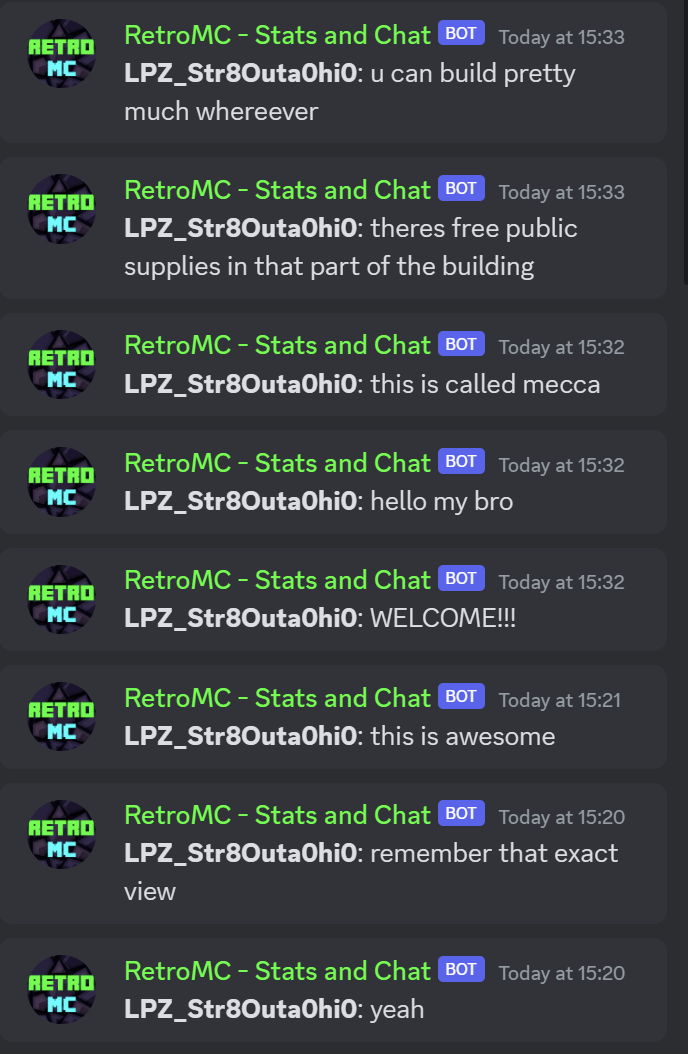
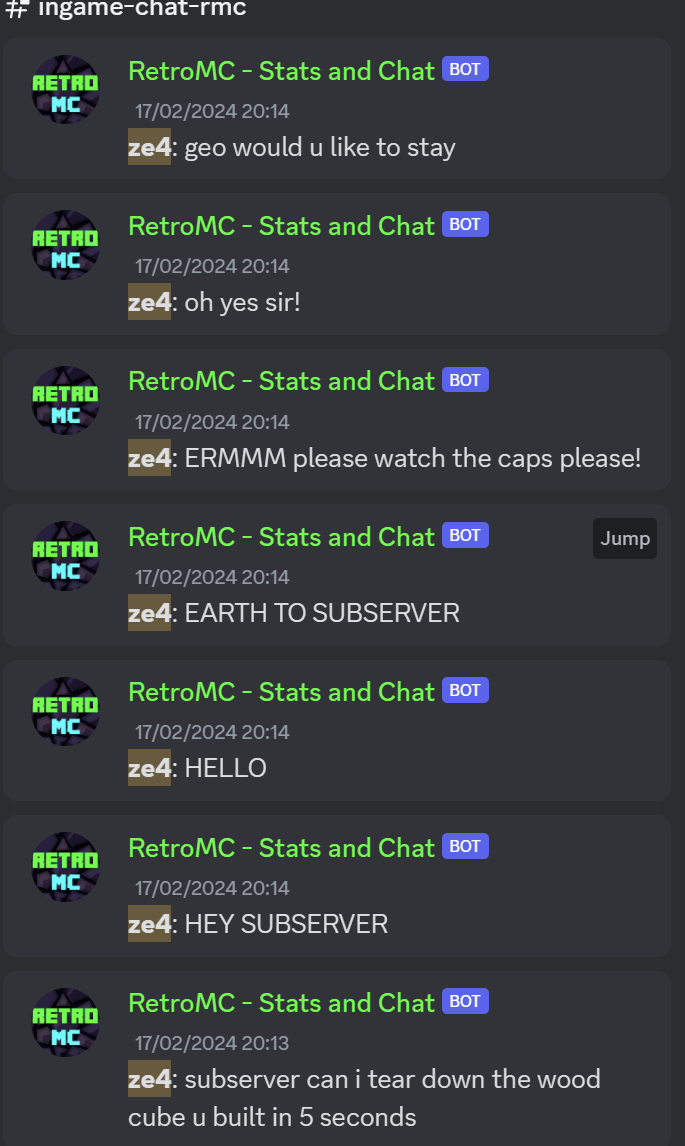
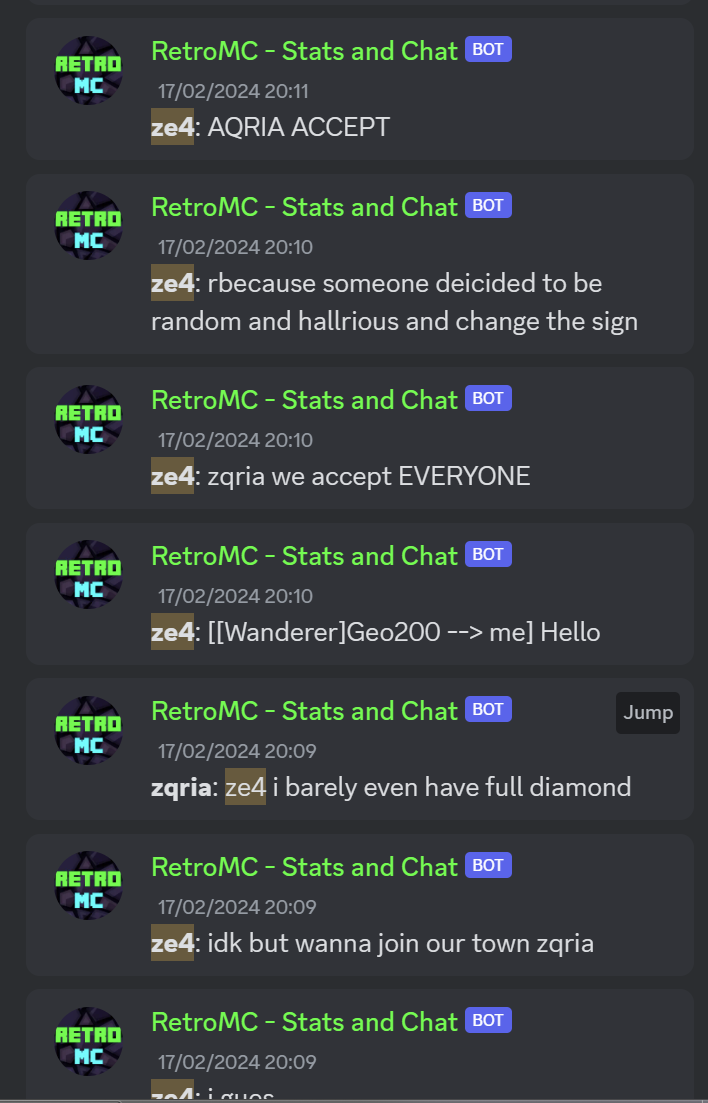
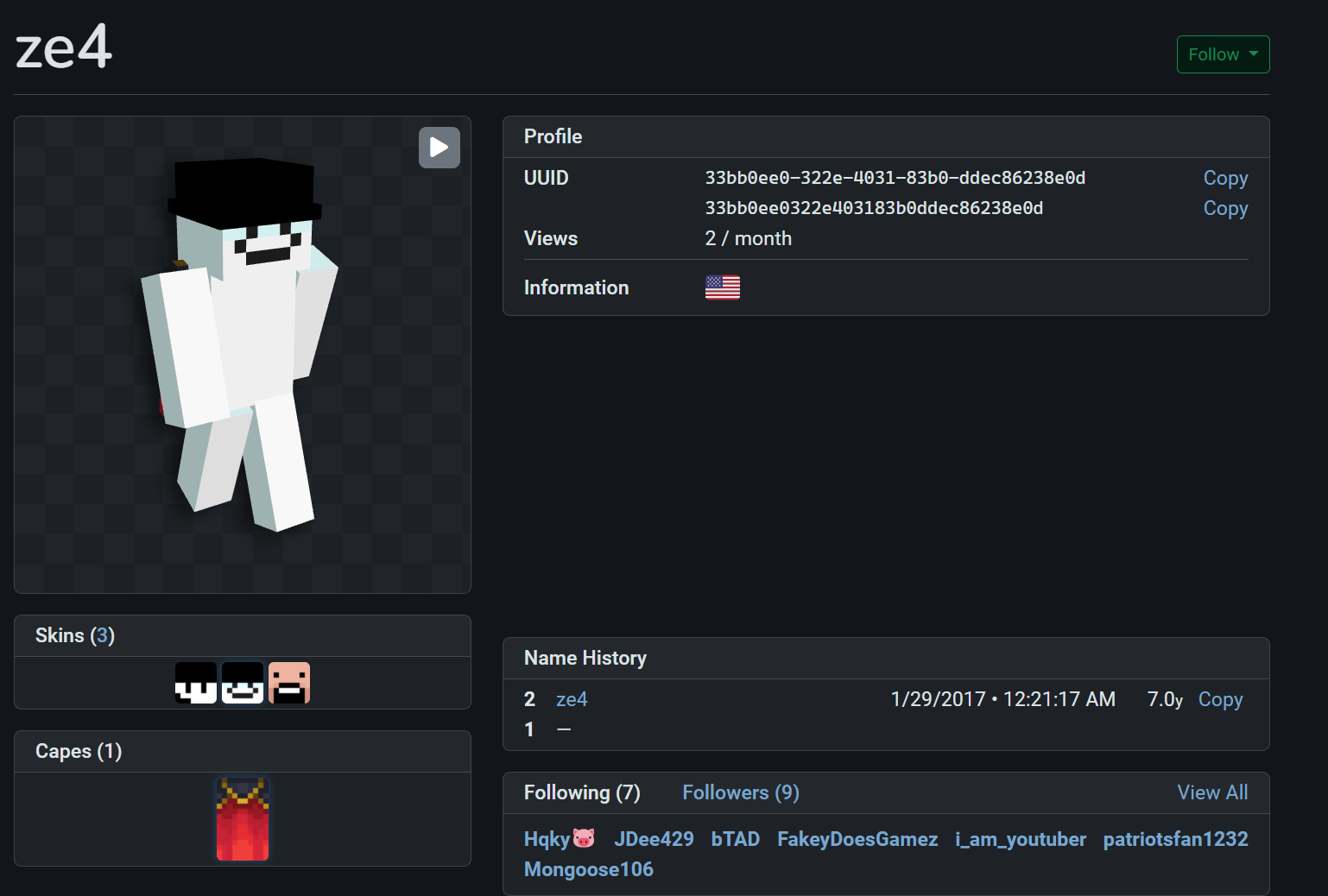
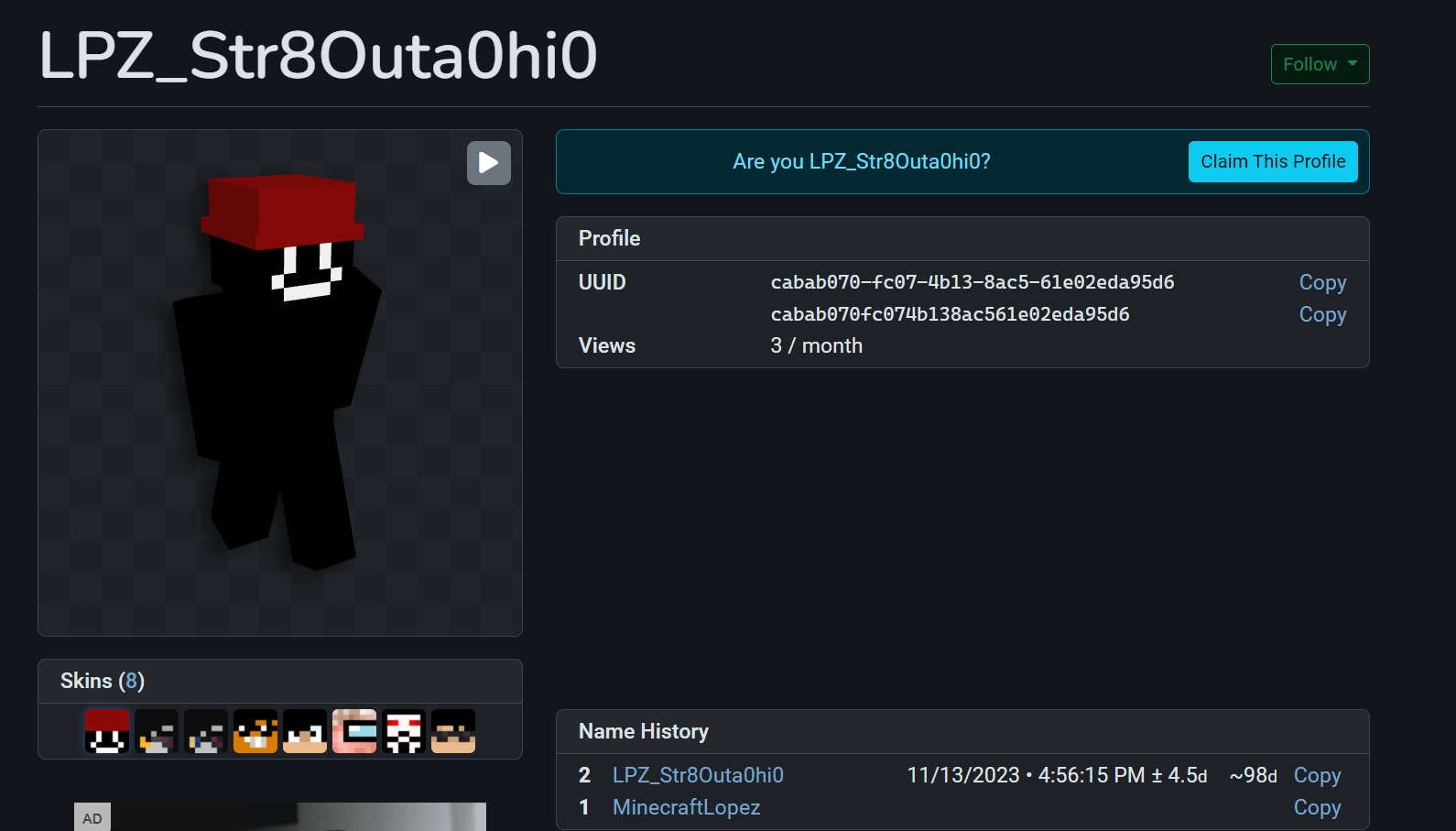
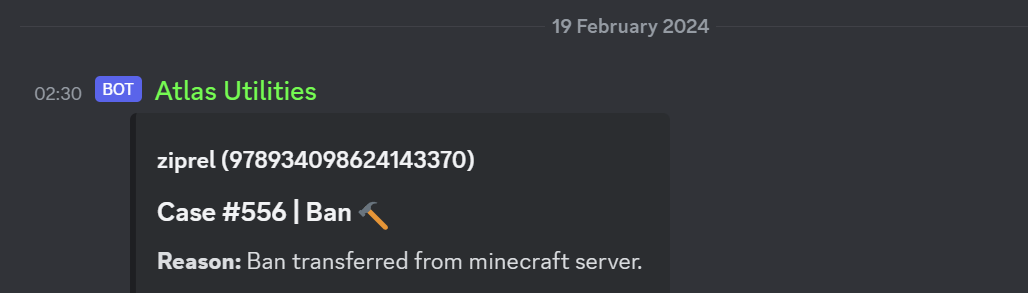
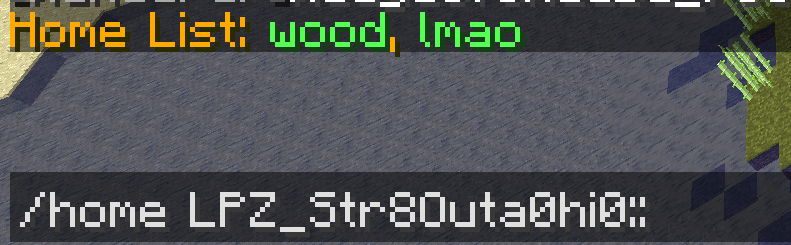
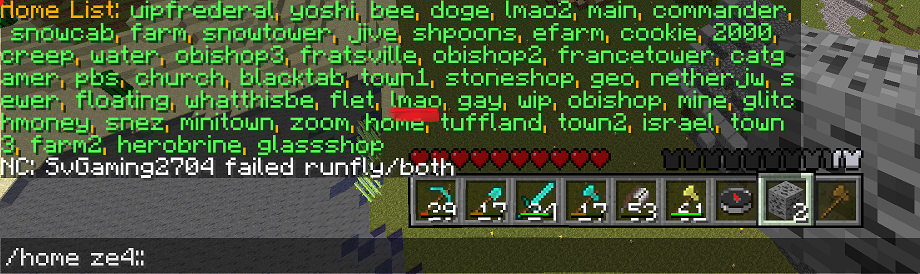
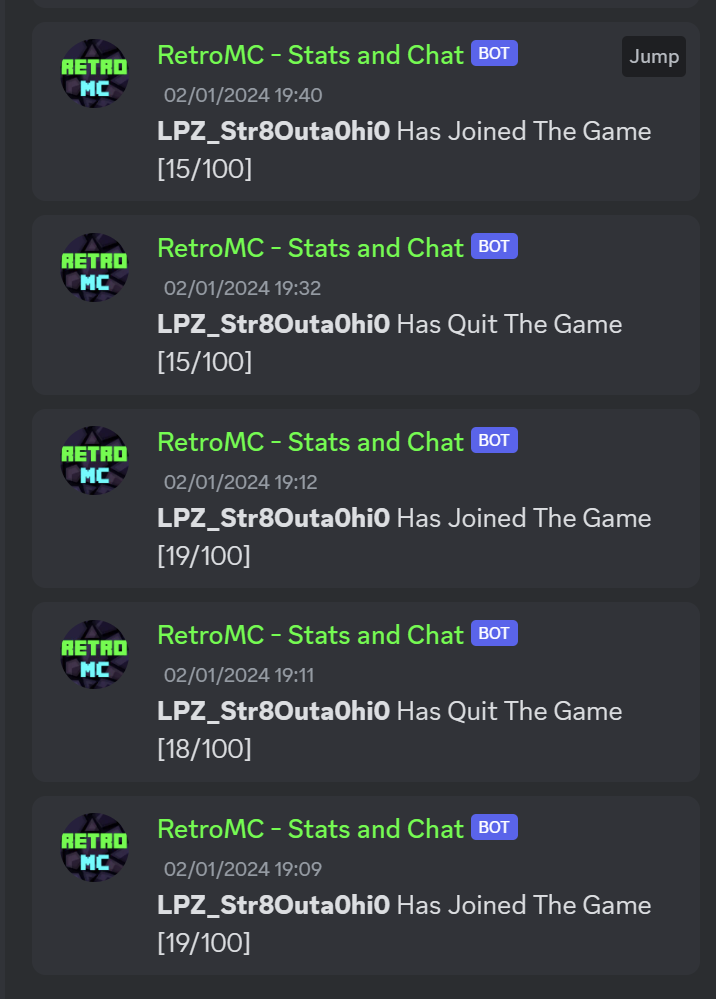
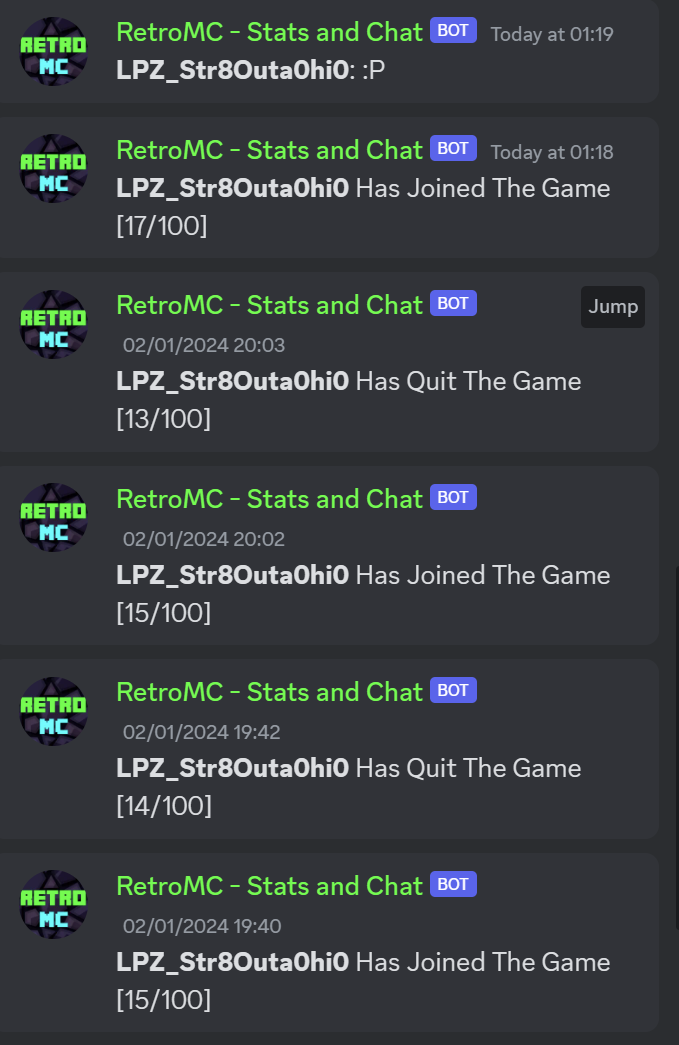
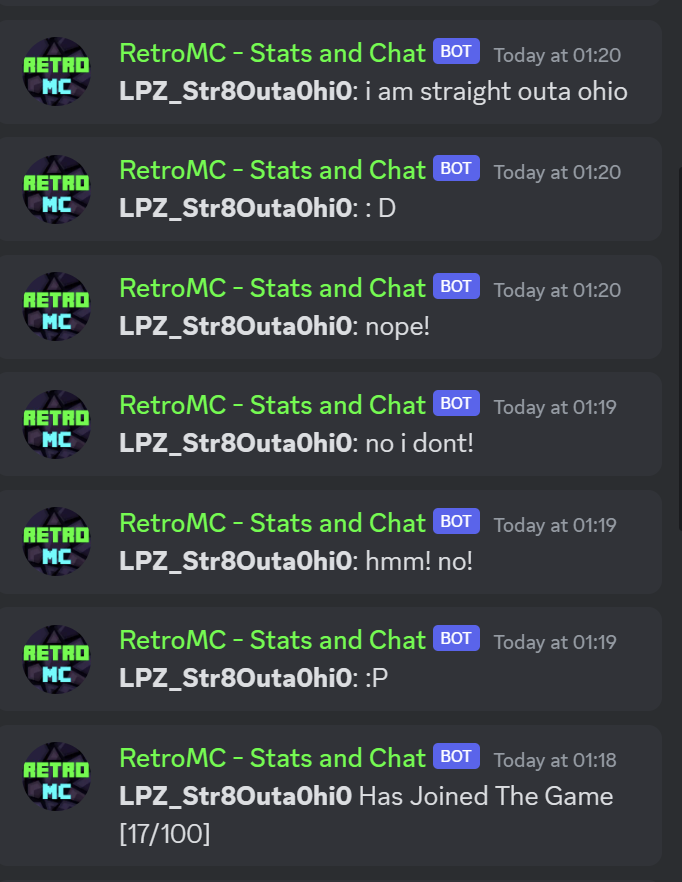
| 6f1abb | Text | sshshark | 19 Feb 2024, 23:09 UTC | User 7finez joins the discord server less than 3 hours after ze4's discord account was banned from the RetroMC server, they linked their account roughly ten hours later to LPZ_Str8Outa0hi0 which upon joining the minecraft server immediately began inviting other players to ze4's town and discord server presumably running another players town after not having played the server for over a month, claiming to be just a user in the town as shown in the evidence along with knowing the towns name despite it not being claimed with JVillage or being displayed anywhere around the town. This player types similarly to ze4, both accounts (ze4/LPZ_Str8Outa0hi0) have the exact same home name on both accounts going to the same town, the account LPZ_Str8Outa0hi0 has an inverted skin of ze4 and is on a VPN, evidence of this cannot be publicly displayed as it is classified as sensitive data. |
Evidence Images






Ban Appeal Procedure
To appeal a ban, you will need to contact the server you have been banned from using the link below.
Ban Appeal FormJoining Other Servers While Banned
Although you have been banned from any server running LMBD system, you may contact individual servers for a server-specific exception, however, they are rarely granted.